Desk Sharing Software: What Companies Should Look For in 2026
Desk sharing software governs who uses which desk and when. Which features actually matter, what it costs, which legal points apply – and how to choose the right solution.
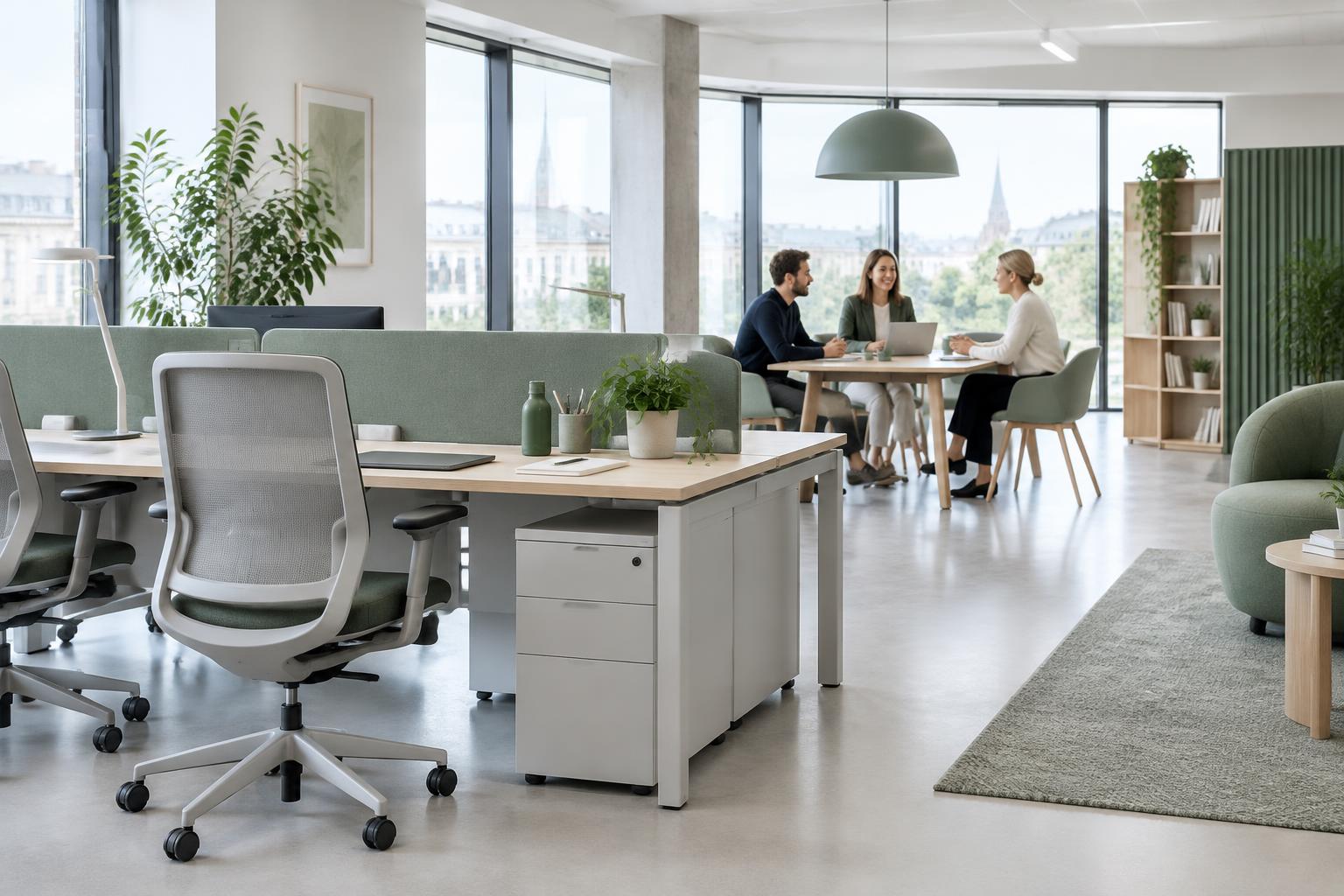
When more people work hybrid than there are desks available, you need reliable coordination. That is exactly what desk sharing software does: it shows free seats, takes bookings, prevents double allocation and produces occupancy data. This guide covers the features that create real value, realistic costs and how to run a selection process in a few weeks.
What desk sharing software does
The core is always the same: a digital floor plan, booking a seat for a day or period, visibility within the team and reporting on actual usage. Around that core, solutions differ considerably.
- Booking desks, rooms and parking – ideally in one flow instead of three tools.
- Team visibility: who is in the office on which day? This is the most common reason employees plan office days at all.
- Rules: booking windows, weekly quotas, fixed seats for people with specific needs.
- Occupancy data: utilisation per zone and weekday as a basis for space decisions.
- Calendar and directory integration: Outlook or Google, user management via SSO rather than manually.
The features that decide adoption
Desk sharing rarely fails for technical reasons. It fails on usage. Three points are decisive in practice:
- Two clicks to book. Every extra hurdle costs adoption – on mobile as much as on desktop.
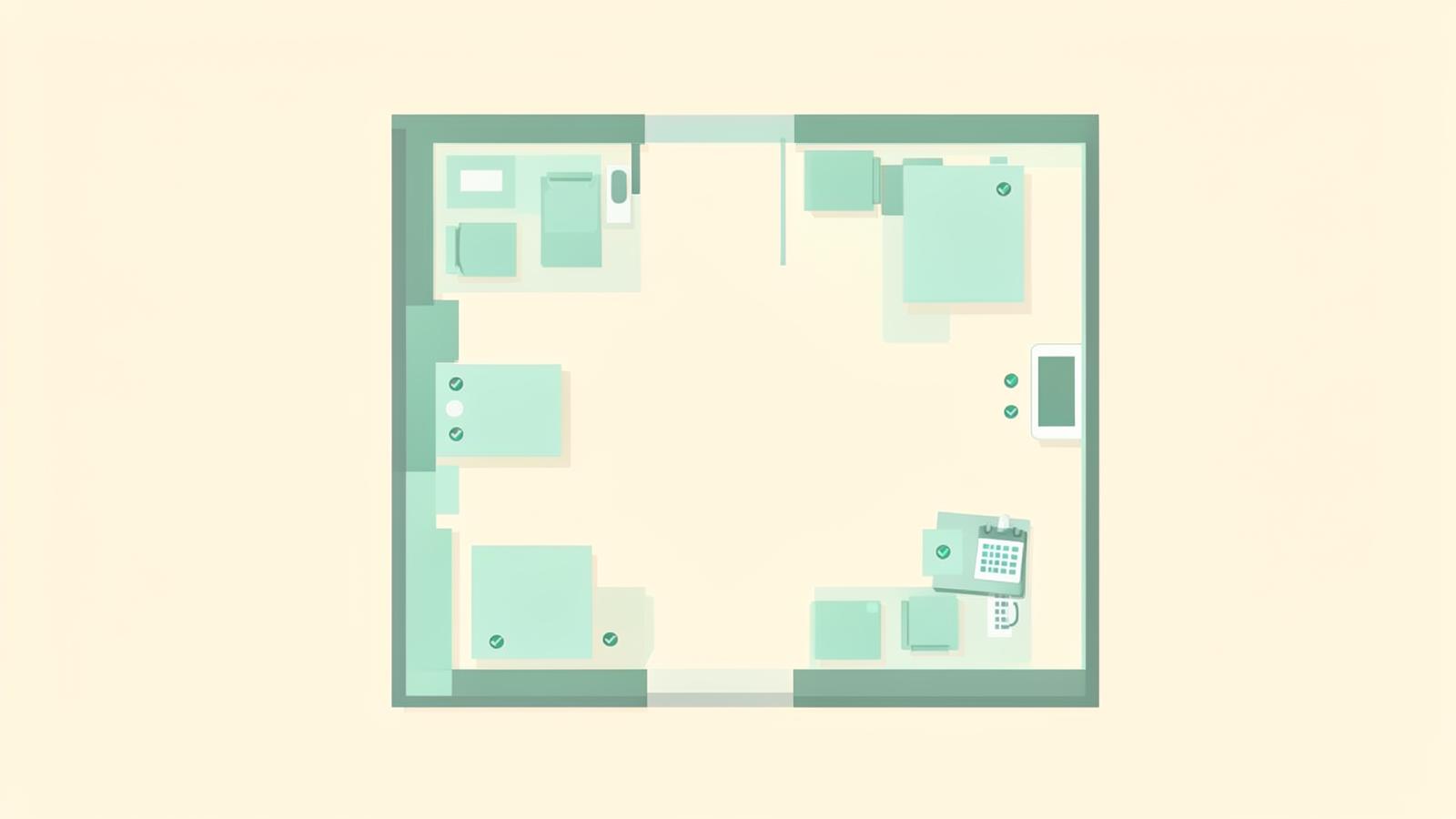
- A recognisable floor plan. People don't book "seat 47", they book the window seat next to their team. A visualisation that matches the real office (or deliberately makes zones visible) lifts usage significantly.
- Clear ground rules. Without a documented policy, conflicts over favourite desks appear. A written policy takes that burden off the software.
There is a free route for the policy: onyo's hybrid work policy generator produces a structured policy including booking and presence logic in minutes.
What desk sharing software costs
Specialised booking tools typically cost around €2 to €5 per employee per month, often with minimum volumes and setup effort. For 200 employees that is €4,800 to €12,000 per year – for booking alone.
The relevant number is rarely the licence, though; it is floor space. If 100 desks can be reduced to 70, a share of rent, energy and cleaning falls away. At typical space costs this effect clearly exceeds licence costs. One honest caveat: fewer desks only reduce costs if the space is actually given up, sublet or adjusted at the next lease renewal.
You can estimate the effect upfront with our workplace analytics tool and the home office cost calculator.
Legal points to settle before rollout
Booking data is personal data. Three topics belong on the agenda:
- Co-determination: in Germany, booking systems can fall under § 87 (1) no. 6 BetrVG because they are technically capable of monitoring behaviour. Involve the works council early.
- Data minimisation: reporting should be aggregated. Utilisation per zone yes, attendance profiles of individuals no.
- Retention: booking data needs a defined retention period.
More in our answers to common hybrid work questions and in the occupational safety knowledge hub.
Selection in four steps
- Measure demand instead of guessing: record actual attendance for two to four weeks. Peak load, not the average, determines the number of seats.
- Prioritise requirements: do you need a native app and chat integration – or booking as part of a platform covering equipment, occupational safety and wellbeing?
- Pilot in one area: four to six weeks, one site, clear rules, collect feedback.
- Scale with data: adjust space only after the pilot, based on measured utilisation.
How onyo desk booking compares
onyo offers booking as part of a hybrid work platform: desk booking together with home office equipment, digital risk assessment and wellbeing. The strengths are price, speed and floor plan flexibility; if a native app and deep Slack/Teams integration are core requirements, a specialist provider fits better. See the open desk sharing software comparison.
Conclusion
Desk sharing software is a steering instrument, not an end in itself. Measure demand, document rules, involve co-determination early and keep booking simple – then adoption follows, and with it the data for sound space decisions. Fundamentals and key metrics are on our desk sharing overview.